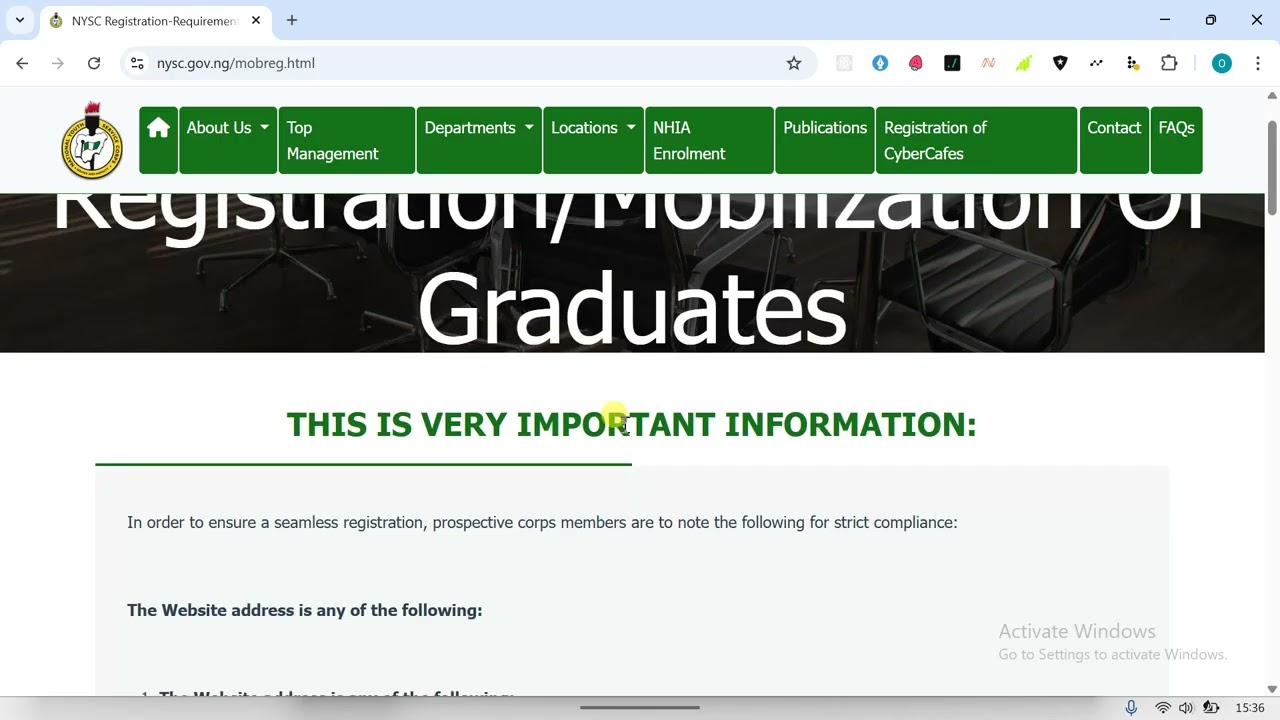
For every Nigerian graduate, checking the NYSC Senate Approved List is one of the most important steps before the national service year. This list, compiled and uploaded by your own university, is the official confirmation that you have been cleared for mobilization. If your name is not on it, you will not be called up for camp. This guide explains exactly how to check this list online using the official NYSC portal, what the information means, and what to do if you have any issues.
What is the NYSC Senate Approved List and Why is it Important?
First, it is important to understand what this list is. The Senate Approved List, sometimes called the “Senate List” or “Graduation List,” is the official register of graduates that your university has verified and submitted to the National Youth Service Corps (NYSC) for mobilization. Your university’s senate or academic board must approve and forward your details, confirming you have met all graduation requirements. The NYSC will only process and mobilize candidates whose names are on this list from their institution.
Key Things to Know About the List
The list is managed entirely by your school, not by the NYSC headquarters. Your university uploads it to a dedicated portal on the NYSC website. The list is uploaded in batches, usually after each academic session’s convocation. If you just graduated, you need to wait for your school to complete this upload. You cannot register for the NYSC online (on the NYSC portal) if your name is not first on this Senate List.
Step-by-Step Guide to Check Your Name on the Senate List
Follow these simple steps to check if your university has submitted your name. You will need a good internet connection and your correct matriculation or registration number.
Step 1: Visit the Official NYSC Senate List Portal
Open your web browser (like Chrome, Firefox, or Safari) and go to the official NYSC Senate List checking portal. The correct website is: https://portal.nysc.org.ng/nysc2/VerifySenateLists.aspx. Be careful to type this address correctly. Avoid using any other website that claims to offer this service, as they may be fake.
Step 2: Select Your Institution
On the page that loads, you will see a dropdown menu labeled “Select Institution.” Click on it and carefully scroll through the list to find and select the name of your university, polytechnic, or college of education. Make sure you pick the exact name of the school you graduated from.
Step 3: Enter Your Details
Next, you will need to provide your personal details for the system to search. You will typically need to enter:
- Matriculation Number: This is your student registration number from your university.
- Surname: Your last name as it appears on your school records.
- Date of Birth: Enter your birth date in the format shown (usually day/month/year).
Ensure all details are entered exactly as they were submitted by your school. Avoid nicknames or abbreviations.
Step 4: Click “Search” and Review Your Result
After filling in the details correctly, click the “SEARCH” button. The system will process your information.
Step 5: Understanding Your Search Result
There are two possible results:
- Congratulations! If your name is on the list, your details will appear on the screen. This usually includes your full name, matric number, course of study, and date of graduation. This means your school has cleared you and you can proceed with your NYSC online registration when the next batch registration opens.
- No Record Found. If you see this message, it means your name is not yet on the uploaded Senate List from your school. Do not panic immediately. This is common if your school has not finished processing and uploading the list for your set.
What To Do If Your Name is Not on the List (No Record Found)
Seeing “No Record Found” is very common, especially if you check too early. Here is what you should do.
1. Confirm Your School Has Uploaded for Your Set
The first thing is to confirm if your school has even started uploading the list for your graduating year. Contact your university’s Student Affairs Division, your Faculty Officer, or your Departmental Secretary. They can tell you if the list for your set has been sent to NYSC. You can also check with your course mates to see if anyone else has been able to find their names.
2. Double-Check Your Details
You might have entered incorrect information. Go back and carefully re-enter your details. Check for common errors like mixing up the date of birth format, spelling your surname wrongly, or using a wrong matric number. Try different variations if necessary.
3. Be Patient and Check Regularly
Schools upload their lists in batches. If your mates have seen their names but you haven’t, give it a few more days and check again. Sometimes the upload process for a large school can take time. Keep checking the portal once a week.
4. Escalate to Your School’s NYSC Desk
If a long time has passed (like a month or more after convocation) and your name is still missing while your mates are appearing, you need to visit your university’s NYSC Mobilization Officer or Desk. This office is usually within the Student Affairs or Academic Division. Provide them with your details and ask them to investigate why your name was omitted from the list they submitted.
Important Notes and Common Mistakes to Avoid
Here are some crucial points to remember during this process.
- Do not pay anyone money to “help” you check or put your name on the list. The service on the NYSC portal is completely free. Any request for payment is a scam.
- The Senate List is different from the NYSC Mobilization Timetable. The timetable tells you when registration for a batch will start. The Senate List is what makes you eligible to register when that time comes.
- If you are a foreign-trained graduate, you have a different process. You must first go to the NYSC headquarters in Abuja for physical verification of your documents before your name will be added to the mobilization system.
- Keep a screenshot or printout of the page showing your name as “Found” on the Senate List. This can serve as proof if any issues arise later during your online registration.
What Comes Next After Confirming Your Name on the List?
Once you have confirmed your name is on the Senate Approved List, your next step is to wait for the NYSC to announce the registration date for your batch. This is usually done via the mainstream news and the NYSC website. When registration opens, you will then visit the main NYSC registration portal (https://www.nysc.org.ng) to create an account, fill the online mobilization form, and print your call-up letter when it is released.
People Also Ask
How long does it take for a university to upload the Senate List?
There is no fixed time. It depends on how fast your university’s administration works after your convocation. It can take anywhere from a few weeks to a couple of months. Always check with your school’s student affairs office for an estimated timeline.
Can I do NYSC if my name is not on the Senate List?
No, you cannot. Your name must be on the Senate List for you to be able to register on the NYSC portal and be mobilized for service. It is the most basic requirement.
What does “Senate List Approved” mean on the NYSC portal?
It means your details have been successfully verified against the list your school submitted. Your academic credentials have been approved for NYSC mobilization.
Who is responsible for putting names on the Senate List?
It is the sole responsibility of your university, polytechnic, or college. The NYSC only receives and hosts the list uploaded by your school.
I saw my name but my course is wrong. What should I do?
This is a serious error. Do not continue with registration. Contact your school’s NYSC mobilization officer immediately to have them correct the details with the NYSC before you proceed. Registering with wrong details can cause major problems during and after service.
Final Checklist
To make sure everything goes smoothly, follow this list:
- Graduate and wait for your school’s convocation.
- Regularly check the official Senate List portal using the correct link.
- Use your correct matric number, surname, and date of birth.
- If your name is missing, first confirm with your school’s administration.
- Never pay money to anyone for this process.
- Once confirmed, wait for the NYSC batch registration announcement.
In summary, checking the NYSC Senate Approved List is a simple but very important online process. By using the correct portal, entering your details accurately, and knowing what to do if there’s a problem, you can smoothly confirm your eligibility for national service. Always get information from the official NYSC website or your school to avoid scams.